Free Printable Custody Calendar for Kids and Parents
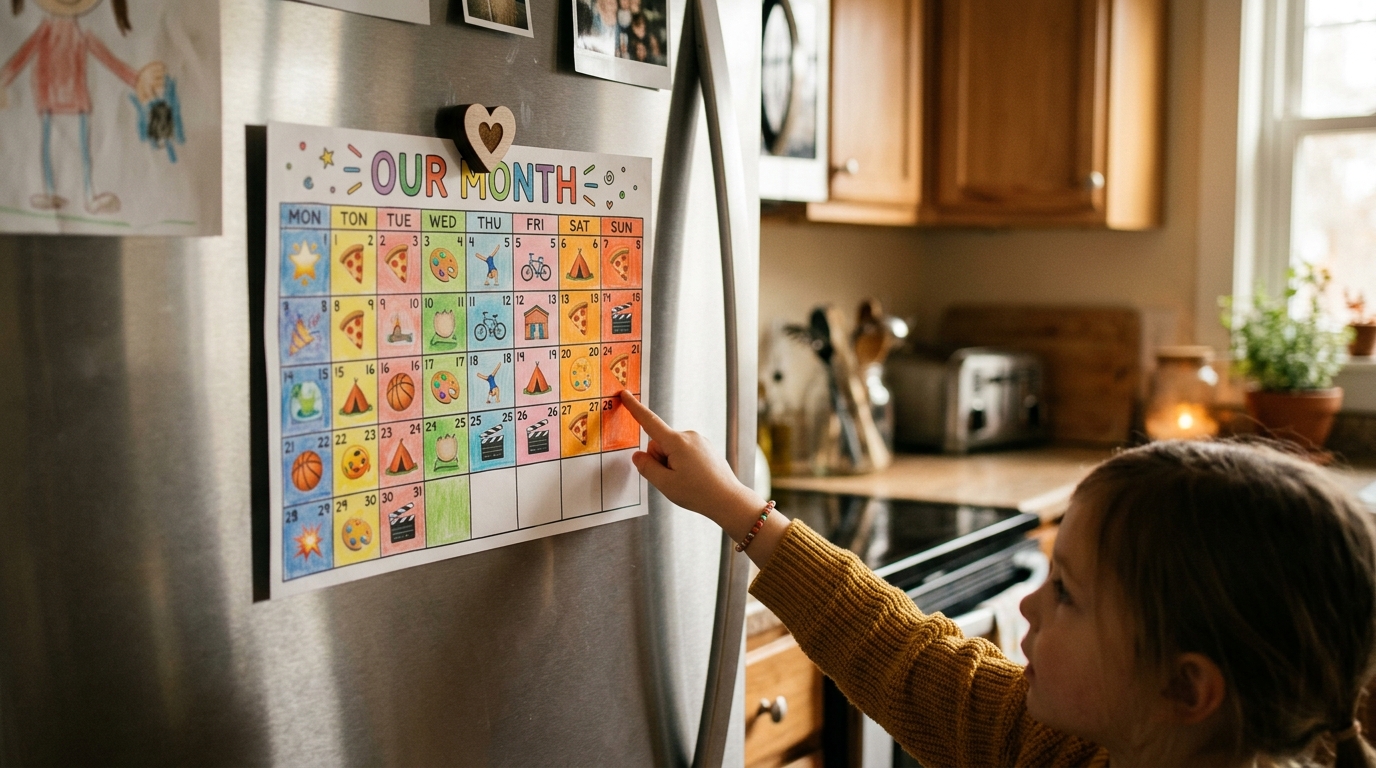
A printable custody calendar is a one-page monthly grid, color-coded by parent, that goes on the fridge so kids can check the schedule themselves — you can draw one by hand, fill in a blank monthly template, or generate a print-ready PDF in one tap from a custody app like SplitDay. It solves a problem that no app fully solves: apps require parents to be in the loop every time, while paper on the fridge is something a 6-year-old can read on a Tuesday morning while you're still in the shower.
You don't need to download anything to get one. The free generator below builds a real, print-ready monthly custody calendar right in your browser — set each parent's name and color, pick your rotation, and print or save it as a PDF for the fridge. Nothing is uploaded or saved anywhere; it all runs on your device.
Free printable custody calendar generator
Set it up, then press Print. Runs entirely in your browser — no sign-up, nothing stored.
The day Parent A's first block begins.
Made with SplitDay · splitday.com
Three ways to make a printable custody calendar
All three produce the same fridge-ready result — a whole month, color-coded by parent. Pick the one that matches how much you want to fiddle with it.
| Method | Best for | Watch out for |
|---|---|---|
| By hand | A fixed, simple rotation (e.g. week-on-week-off) | Easy to make mistakes on swap weeks; redraw every month |
| Blank template | People who like filling in a grid once | You do the rotation math yourself each month |
| Generator / app | Rotations that shift (2-2-3, 2-2-5-5) or change often | Nothing — the tool above does the math and the printing |
The generator above covers the third route. For the first two, the same rules apply: use color, not names, so a child who can't yet read still knows whose day it is; show the whole month, not a week at a time; and mark today so it's findable in two seconds.
Why a paper calendar works when an app doesn't
An app needs a parent in the loop every single time — someone has to open it, someone has to have a phone. Paper on the fridge is something a six-year-old can read on a Tuesday morning while you're still in the shower. That's the whole point: it turns the child from a passenger in your schedule into a participant in their own. School-age kids stop asking "whose house tomorrow?"; teenagers plan their social lives around it; grandparents and babysitters glance at it during pickup. It becomes the one canonical, un-arguable answer to whose day is it — better than a screenshot, a memory, or a text thread. Roughly half of separated families use some form of shared parenting time, and the households that stay calmest are usually the ones where the kids don't have to ask.
Printing tips that actually matter
- Turn on background colors. In your browser's print dialog, enable "Background graphics" or the day colors won't print.
- Landscape for wall, portrait for fridge. Landscape gives bigger cells if you have the space; portrait fits a standard fridge door.
- Reprint on the 1st. Swap it monthly so the fridge always shows the current month — and reprint mid-month whenever a real change happens (a swap, a holiday adjustment).
- Save the PDF, not just the paper. Keep the file so next month is a two-tap reprint instead of a fresh setup.
Frequently asked questions
What should a printed custody calendar show for kids?
Show the whole month at once, with each day filled in the parent's color (or emoji) so kids can read it without reading. Add a small color key at the top, mark today so it's findable in seconds, and highlight school holidays and big events. Keep it big enough to see from across the kitchen and simple enough that it doesn't look cluttered.
How often should we reprint the custody calendar?
Print a fresh one every month and swap it on the first, so the fridge always shows the current month. Reprint mid-month whenever the schedule actually changes — a swap, a holiday adjustment, a new pickup arrangement — because a fridge calendar only prevents confusion if it stays accurate. If you generate it from an app, a replacement takes one tap.
Is a printed calendar enough, or do we need an app too?
They do different jobs. The printed calendar is for the kids: a self-serve answer to "whose day is it?" that works without a device. An app is for the parents: tracking changes, swaps, exchanges, and keeping the schedule accurate over time. Using both — with the app generating the printout — keeps the fridge version in sync with reality.
Try SplitDay — the free custody calendar app
Track custody days, log exchanges, and print kid-friendly calendars. The simplest co-parenting app — no ex required. Free to start.