How to Track Custody Days Effectively in 2026
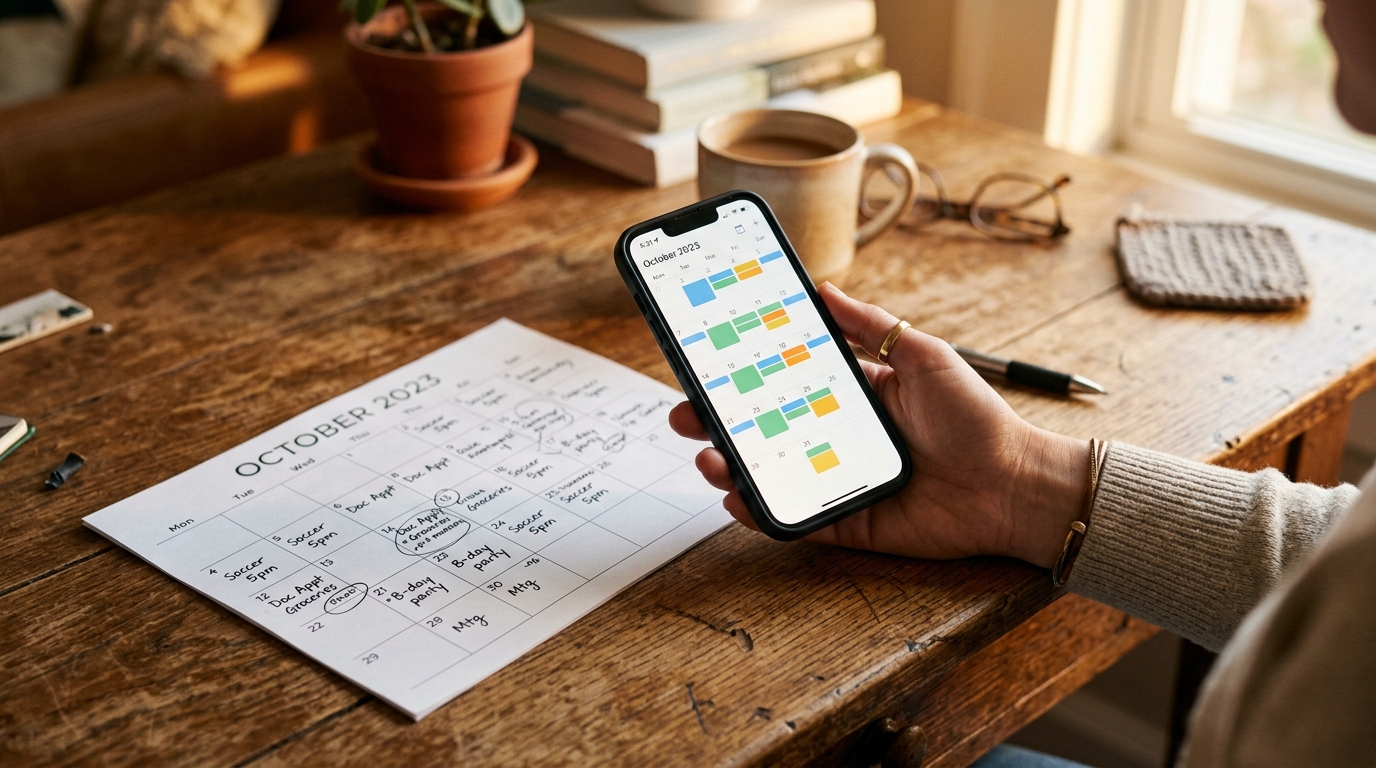
To track custody days, mark every overnight in one shared calendar as it happens, count overnights rather than partial days, and log any deviation from the plan — a swap, a makeup, a missed pickup — the day it occurs. It seems trivial until it isn't: six months in, you can't remember if last May's swap was made up. A year in, you're trying to reconstruct who had the kids around a specific weekend for a school issue. The fix isn't elaborate — it's just a habit of logging, kept consistent, in one place both parents can see.
Free printable custody calendar generator
Set it up, then press Print. Runs entirely in your browser — no sign-up, nothing stored.
The day Parent A's first block begins.
Made with SplitDay · splitday.com
Use the generator above to lay out any month, color the days by parent, and see the split at a glance — but before you count anything, get the unit right. That's where most tracking quietly goes wrong.
"Custody days" almost always means overnights — not calendar days or hours
The single biggest mistake in custody tracking is counting the wrong thing. When a court order, a child-support worksheet, or a tax form refers to "days," it almost never means the 24-hour calendar boxes on a wall calendar, and it doesn't mean hours of contact. It means overnights — the nights the child actually slept in your home. The overnight is the unit because it's unambiguous: a child sleeps in exactly one bed each night, so there's no double-counting and no argument about a fractional afternoon.
This matters far beyond bragging rights. In the United States, the IRS tie-breaker for a qualifying child looks at the parent with whom the child lived for the greater number of nights during the year — that's what can decide who claims the dependent, files as head of household, or takes the child tax credit. Many state child-support formulas are also overnight-driven: cross a threshold like 92, 128, or 146 overnights a year and the support calculation can shift meaningfully. Because the exact numbers and rules vary by jurisdiction (and this isn't legal or tax advice), the practical takeaway is simple: count the same unit your order or your tax situation uses, and count it the same way every time. If you tally overnights all year and your order turns out to speak in hours, you can add detail later — but a clean overnight count is the record that holds up in the most contexts.
How to count when the exchange lands mid-day, on a holiday, or a night gets swapped
Once you're counting overnights, the edge cases get easy — as long as you decide the rule in advance and apply it consistently.
- Mid-day exchange: a 3 p.m. Sunday handoff doesn't split the day. Ask one question — whose bed does the child sleep in that night? — and that parent gets the overnight. The daytime hours before the handoff don't change the count.
- Holidays: a holiday that interrupts the normal rotation still resolves to a night. If Dad has the child for Thanksgiving dinner but drives them back so they sleep at Mom's, that's Mom's overnight even though Dad had most of the waking hours. Log the holiday as an override so next year you can see it was a one-off, not the pattern.
- A swapped night: when you trade a Tuesday so the other parent can attend a wedding, the overnight credit moves with the child, not with the calendar template. Record it as a swap, and note whether a makeup night was agreed — a swap with no makeup is a real change to the year's split, and it's invisible six months later if you didn't write it down.
The theme across all three: the schedule template is your default, but the tally follows where the child actually slept. Contemporaneous overrides are what keep the two in sync.
What to log for each day so the record holds up if it's ever disputed
A running list of colored squares tells you the pattern; it doesn't tell you the story of the exceptions, and the exceptions are exactly what gets contested. For any day that deviates from the plan — and ideally as a habit for every handoff — capture four things:
- Which parent had the overnight — the fact you're actually counting.
- Scheduled vs. actual — what the order/template said should happen, and what really happened. When those match, that's worth noting too; a long string of "as scheduled" is itself evidence the arrangement is working.
- The reason for any change — "swapped at Dad's request for work travel," "child sick, stayed at Mom's," "pickup 45 min late." Keep it factual and neutral; skip the commentary and the adjectives.
- When you logged it — a contemporaneous timestamp is what separates a credible record from a story assembled after the fact.
A neutral, timestamped log like this is far more persuasive than a folder of screenshots, and it's the backbone of a broader paper trail. For how this fits with texts, receipts, and expense records, see our guide to custody documentation.
Common tracking mistakes — and the running tally that prevents them
Almost every tracking failure is a version of the same few errors:
- Counting daytime visits as "days." A Wednesday dinner visit feels like time with your child — and it is — but if the child sleeps at the other parent's house, it's not an overnight and it shouldn't go in the overnight column. Blending the two is how people arrive at a 50/50 belief that the numbers don't support.
- Not logging the deviations. The base pattern is easy to reconstruct; the swaps, makeups, and missed pickups are not. Skip logging them and, ironically, you erase exactly the information you'd ever need.
- Reconstructing from memory months later. Trying to rebuild last spring's overnights from memory or scattered texts produces a record that's both inaccurate and easy to challenge. Log each thing once, the day it happens.
The antidote to all three is a running year-to-date tally. When you can see "Mom 118 / Dad 97" update the moment you record a swap, two useful things happen: mistakes surface immediately instead of at tax time, and you always know the real split before a school, support, or scheduling question ever comes up. Whether you keep it on paper, in a spreadsheet, or in a dedicated app, the winning habit is the same — count overnights, log the exceptions in the moment, and let the totals do the arguing for you.
Frequently asked questions
Do courts count overnights or hours?
Practices vary by jurisdiction, and this isn't legal advice — but overnights are the most common unit for describing a custody split, because they're unambiguous: the child slept at one house or the other. Some processes also look at hours for finer detail. Tracking both covers you either way, which is why a good log records the base pattern plus day-level overrides.
Why does my custody percentage matter?
Your actual share of days can come up in mediation prep, school and tax questions, and everyday conversations about whether the arrangement is being followed. What matters most is having a consistent record of what really happened — including swaps and makeups — rather than relying on memory. How any percentage is used formally varies by jurisdiction, so treat your log as a record, not a ruling.
What should I record when the other parent misses a day?
Log it the day it happens: the date, what the schedule said, what actually occurred, and whether a makeup day was agreed. Keep the note factual and neutral — no commentary. Do the same for one-off swaps and early pickups. A consistent, timestamped record in one shared place is far more useful later than screenshots or reconstructed recollections.
Try SplitDay — the free custody calendar app
Track custody days, log exchanges, and print kid-friendly calendars. The simplest co-parenting app — no ex required. Free to start.