Child Support Expense Tracker: How to Split Kid Costs Fairly Between Parents
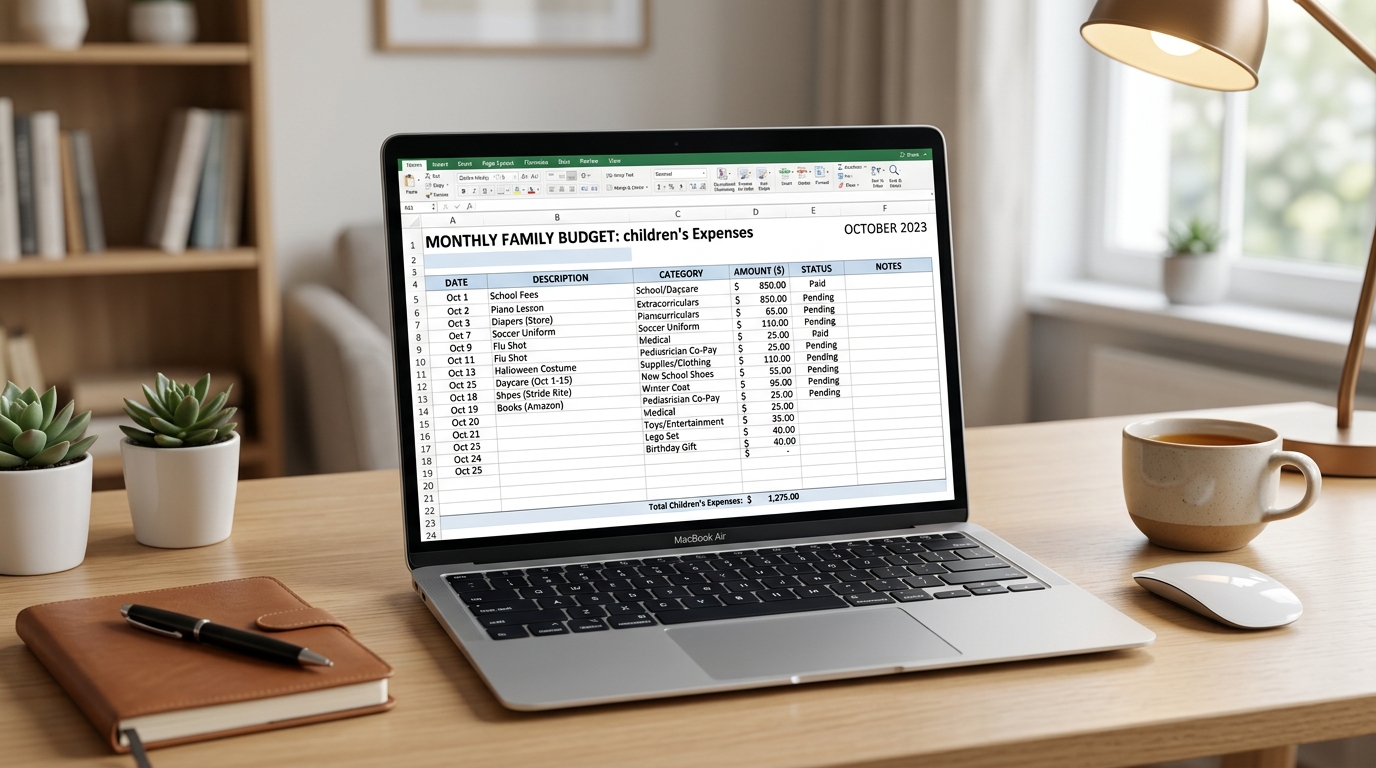
Child-related expenses add up fast — and without a system, co-parents inevitably end up with the "I paid for that" / "No, I did" dance. A child support expense tracker solves this by giving both parents a single, shared view of who paid for what, when, and how much is owed.
This guide covers what to track, how to split costs fairly, and why a dedicated expense tracker is infinitely better than a shared spreadsheet.
What expenses should be tracked?
Here's a comprehensive list of child-related expenses to include in your tracker:
- Housing: Rent/mortgage share, utilities, property taxes
- Food: Groceries, school lunches, special dietary needs
- Clothing: Regular clothes, shoes, seasonal gear, school uniforms
- Medical: Doctor visits, dental, vision, prescriptions, therapy
- Insurance: Health, dental, vision premiums for the child
- Education: Tuition, supplies, tutoring, books, technology
- Extracurricular: Sports, music, camps, classes
- Childcare: Babysitters, after-school programs, daycare
- Transportation: Gas, car seats, public transit passes
- Communication: Phone plans, internet for schoolwork
- Special events: Birthdays, holidays, school trips
How to split expenses fairly
The three most common approaches:
1. Income-proportional splitting — If Parent A earns $60,000 and Parent B earns $40,000, Parent A pays 60% and Parent B pays 40%. This is the most common court-approved method.
2. Equal splitting — 50/50 regardless of income. Simple, but can be unfair if incomes differ significantly.
3. Primary residence splitting — The parent with primary residence covers daily costs; the other pays a fixed amount. Less common in shared custody arrangements. That's increasingly rare, since most separated parents now share time much closer to equally — see our custody split statistics for the real numbers.
Why shared spreadsheets don't work well
Everyone thinks "I'll just use a Google Sheet." But here's what actually happens:
- One parent forgets to log an expense for three weeks
- Categories are inconsistent (is "sports" under activities or medical?)
- Receipts aren't attached, so there's no proof
- Neither parent looks at the sheet regularly, so discrepancies pile up
- At the end of the month, someone has to "do the math" — and it becomes a fight
How SplitDay handles expenses
SplitDay's built-in expense tracker solves every one of these problems:
- Categorized logging — tap a category (medical, school, clothing, etc.) and enter the amount. Takes 5 seconds.
- Running totals — see who's paid what, and what's still owed, at a glance
- Receipt scanning — snap a photo of the receipt for your records
- Monthly summaries — get a clean breakdown at the end of each month
- Works without your ex — log expenses on your own and share when needed
Tips for smooth expense tracking
- Log expenses within 24 hours. Don't wait until the end of the month.
- Take photos of receipts. Your future self will thank you.
- Set a monthly review date. Pick a day (like the 1st of each month) to review and reconcile.
- Agree on categories upfront. Both parents should use the same categories so the data is comparable.
- Don't micro-manage small amounts. Set a threshold (e.g., "anything under $25 doesn't need prior approval") to avoid constant back-and-forth.
Frequently Asked Questions
Can I track expenses if my ex won't use the same app?
Yes. SplitDay works entirely on your own. You can log every expense, attach receipts, and generate reports without your co-parent using the app.
What if my ex doesn't reimburse me?
Keep accurate records. If your agreement specifies how expenses should be split, your tracker provides the evidence needed to resolve disputes.
Track child expenses without the stress
SplitDay's expense tracker makes it easy to log, share, and reconcile child-related costs. Free to start.