Best Co-Parenting Apps in 2026: SplitDay vs. OurTopKids vs. OurFamilyWizard
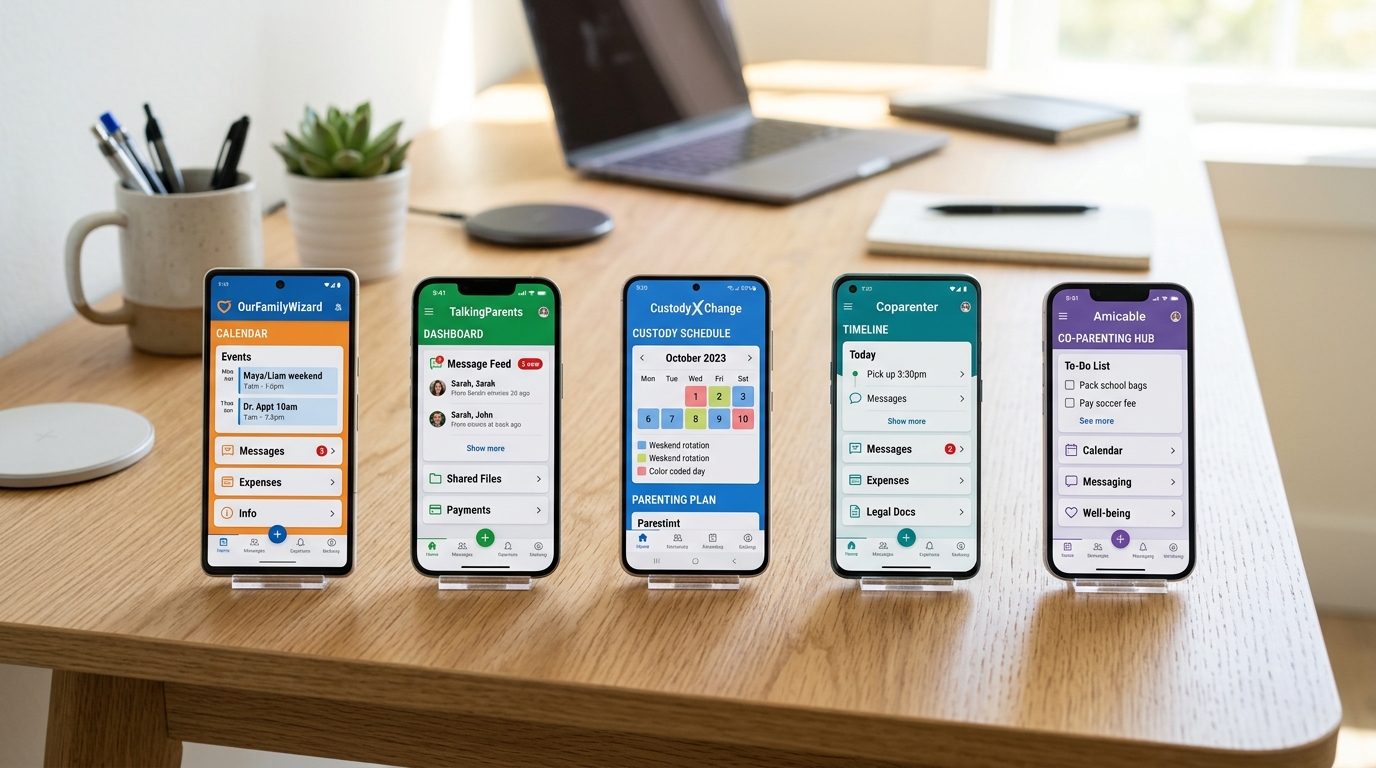
There are dozens of co-parenting apps out there. Most promise to "make life easier" but deliver a calendar with a paywall. This guide compares the most popular options in 2026 so you can choose the one that actually fits your situation — without wasting money on features you don't need.
Comparison at a glance
| App | Price | Calendar | Expense Tracking | Messaging | Court Reports |
|---|---|---|---|---|---|
| SplitDay | Free | ✓ | ✓ | ✓ | ✓ |
| OurFamilyWizard | $80+/yr | ✓ | ✓ | ✓ | ✓✓ |
| OurTopKids | $100+/yr | ✓ | ✓ | ✓ | ✓✓ |
| AppClose | $60/yr | ✓ | ✗ | ✓ | ✓ |
| TalkingParents | $35/yr | ✓ | ✗ | ✓✓ | ✓✓ |
SplitDay — Best for most families
Price: Free
Best for: Families who want a complete co-parenting tool without a subscription.
SplitDay was built from the ground up for co-parents. It includes:
- Custody calendar with color-coded days
- One-tap exchange logging
- Expense tracking with categories
- Parenting time calculator with percentages
- Court-admissible report exports
- Works offline — no server dependency
Pros: Free, offline-first, no ads, privacy-focused
Cons: Fewer features than enterprise apps (no file sharing, no mediator access)
OurFamilyWizard — Best for high-conflict cases
Price: $80+/year per parent
Best for: Families with court orders requiring a monitored communication platform.
OurFamilyWizard is the most widely court-ordered co-parenting app. It offers:
- Monitored messaging (messages can be reviewed by the court)
- Expense tracking and payment requests
- Calendar with exchange confirmations
- Information bank for documents
- Moderator access for mediators and attorneys
Pros: Court-recognized, monitored messaging, professional features
Cons: Expensive, requires both parents to use it, complex interface
OurTopKids — Best for families with multiple children
Price: $100+/year
Best for: Families with 3+ children who need separate profiles for each child.
OurTopKids offers child-specific profiles, shared calendars, and expense tracking. It's more expensive than most alternatives but offers robust multi-child management.
Which should you choose?
Choose SplitDay if: You want a free, simple, complete tool that works offline. Most families fall into this category.
Choose OurFamilyWizard if: Your court order requires it, or you're in a high-conflict situation that needs monitored communication.
Choose OurTopKids if: You have multiple children and need separate profiles for each.
Choose AppClose or TalkingParents if: You specifically need monitored messaging but want a lower price than OurFamilyWizard.
Frequently Asked Questions
Is there a truly free co-parenting app?
Yes. SplitDay is completely free with no ads and no premium tier. All features including custody scheduling, expense tracking, and court reports are included at no cost.
Do I need both parents to use the app?
For shared calendar features, yes — both parents need access. However, SplitDay also works as a solo tracker, so you can log exchanges and track time even if your co-parent doesn't use the app.
Can I switch apps later if I need to?
Yes. Most apps allow data export. SplitDay supports PDF report exports for court purposes.
Try SplitDay free — no credit card needed
Get the custody calendar, expense tracker, and parenting time calculator — all free, forever.
Download Free